Kids & Kids at Heart

Tech made simple and fun.

Meet Kai, your stick-figure tech buddy. Short, silly, step-by-step lessons — perfect for ages 8–12 (and grown-ups who still love a good dance break).

"Easier than beating level one in a video game!"
Kai teaching on Stick Figure Tech
Critter Claim: Hatch and Snatch
Play on Roblox

Critter Claim: Hatch & Snatch

  • Hatch goofy critters and fill your book
  • Stash favorites in Safe Bay
  • Race Claim Rush for the gold cart
Study

Study with Kai

Short quests for ages 8–12 — reading, practice, and a grown-up in the room.

Parent sets the door. Kids play the quest.

Watch Episodes

New episodes every Monday, Wednesday & Friday. Binge the series in order: Full Stick Figure Tech playlist (Ep 1–13).

Episode 1 thumbnail
Live

Episode 1 — How to Get Grok on Your Computer

  • What Grok is (your AI study buddy)
  • Ask a grown-up first
  • Open Edge → grok.com → say hello
Episode 2 thumbnail
Live

Episode 2 — What Is AI?

  • AI = a helpful robot brain (not magic!)
  • Homework help, spelling, story ideas
  • Always team up with a grown-up
Episode 3 thumbnail
On channel

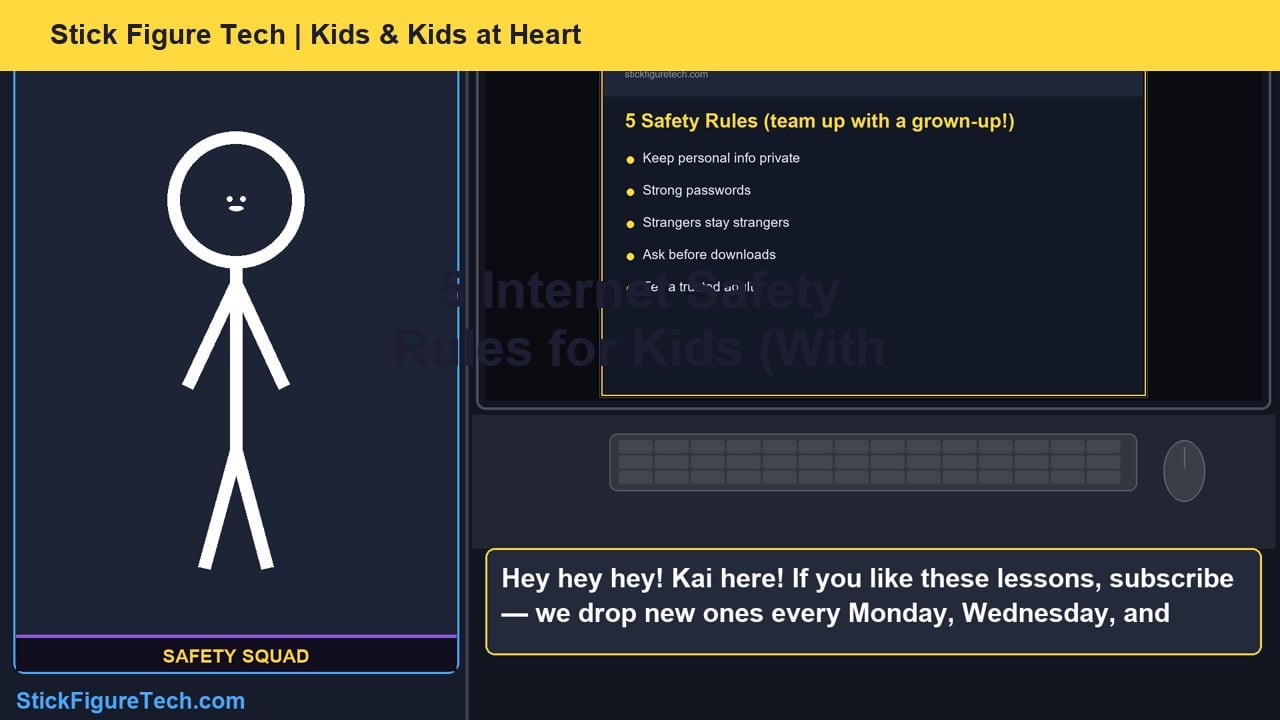
Episode 3 — 5 Internet Safety Rules

  • Keep personal info private
  • Password power-ups with a grown-up
  • Strangers, downloads, and tell an adult
Episode 4 thumbnail
On channel

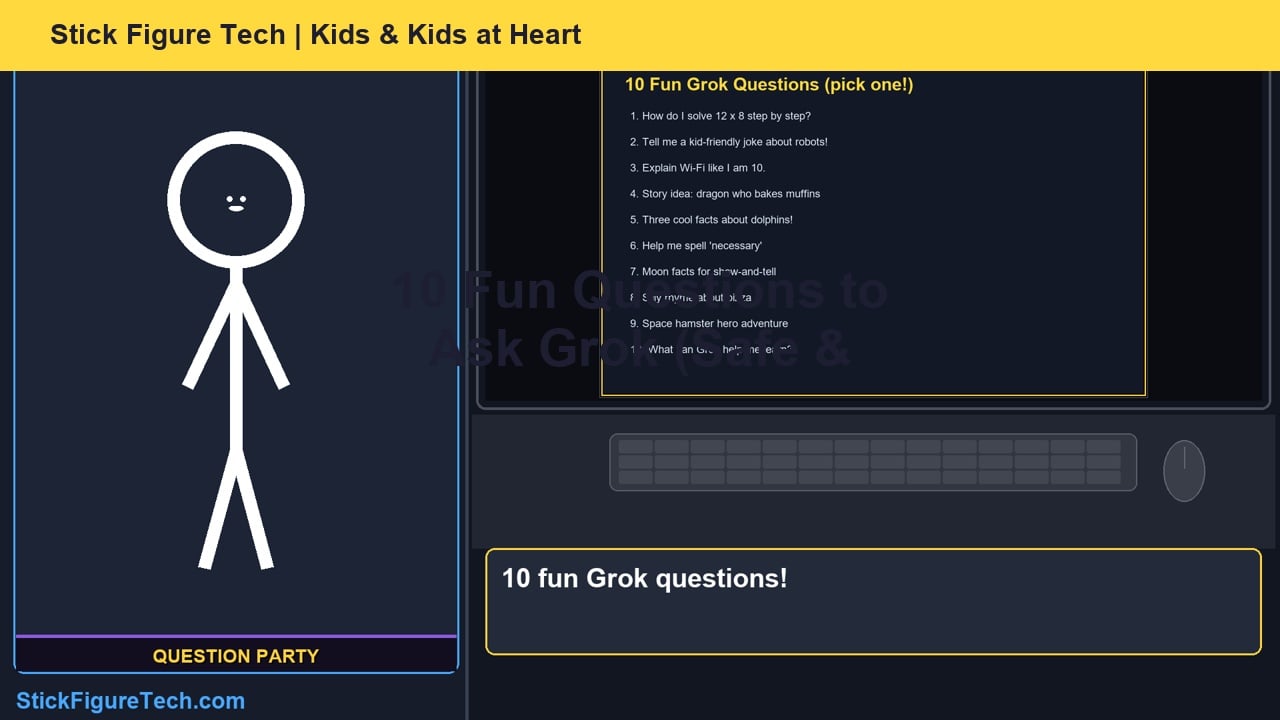
Episode 4 — 10 Fun Questions to Ask Grok

  • Homework, jokes, explain-like-I-am-10
  • Story starters and fun facts
  • Copy-paste prompts with a grown-up
Episode 5 thumbnail
Live

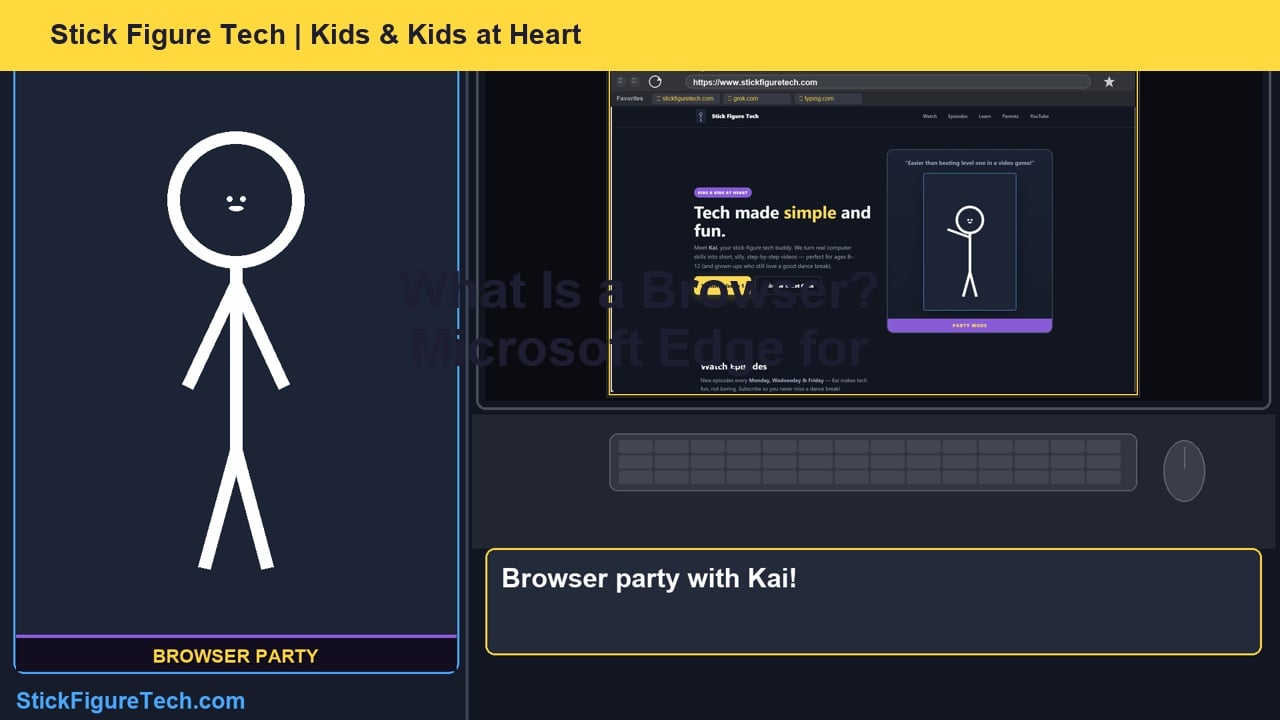
Episode 5 — What Is a Web Browser? (Microsoft Edge for Kids)

  • Microsoft Edge as your web window
  • Address bar, tabs, favorites (bookmarks)
  • Refresh when the page freezes
Episode 6 thumbnail
Live

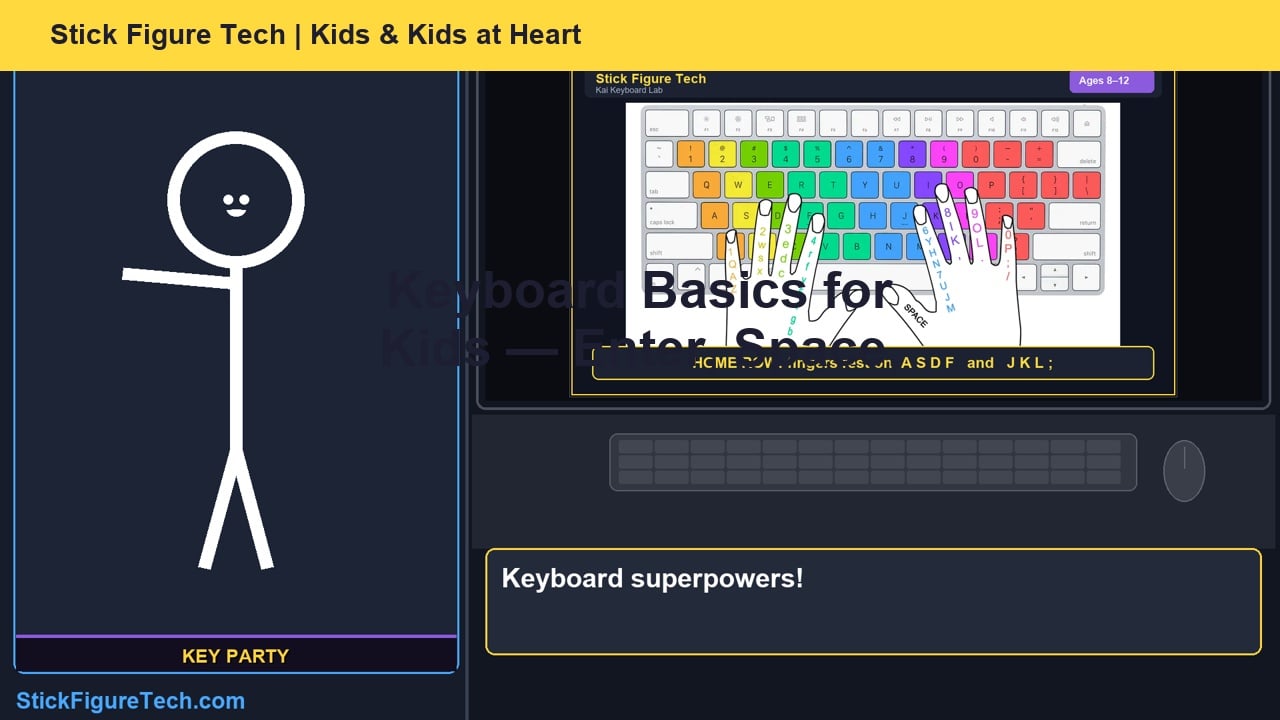
Episode 6 — Keyboard Basics for Kids

  • Home row, Space vs Enter
  • Backspace fix-oops + Oops Chicken!
  • Shift for capitals (kai → Kai)
Episode 7 thumbnail
Live

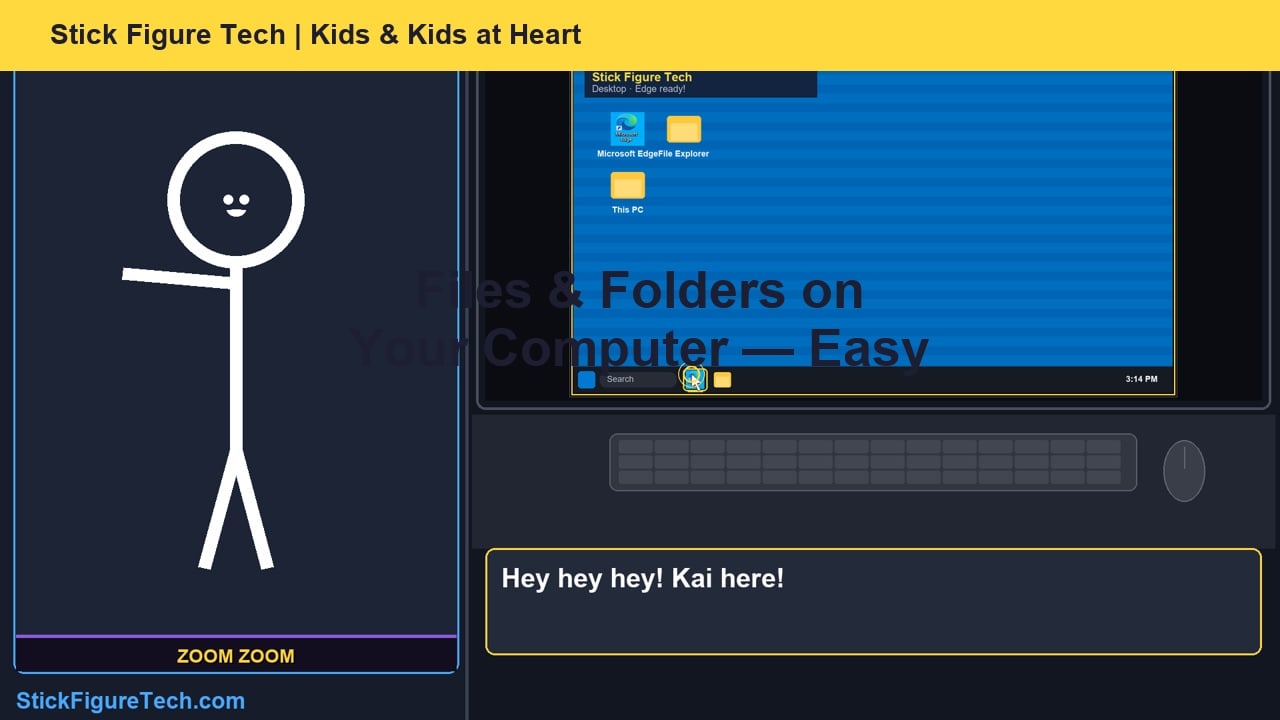
Episode 7 — Files & Folders on Your Computer

  • Desktop + Microsoft Edge on the taskbar
  • Documents, Downloads, Save As
  • File Explorer + Finder Chicken!
Episode 8 thumbnail
Live

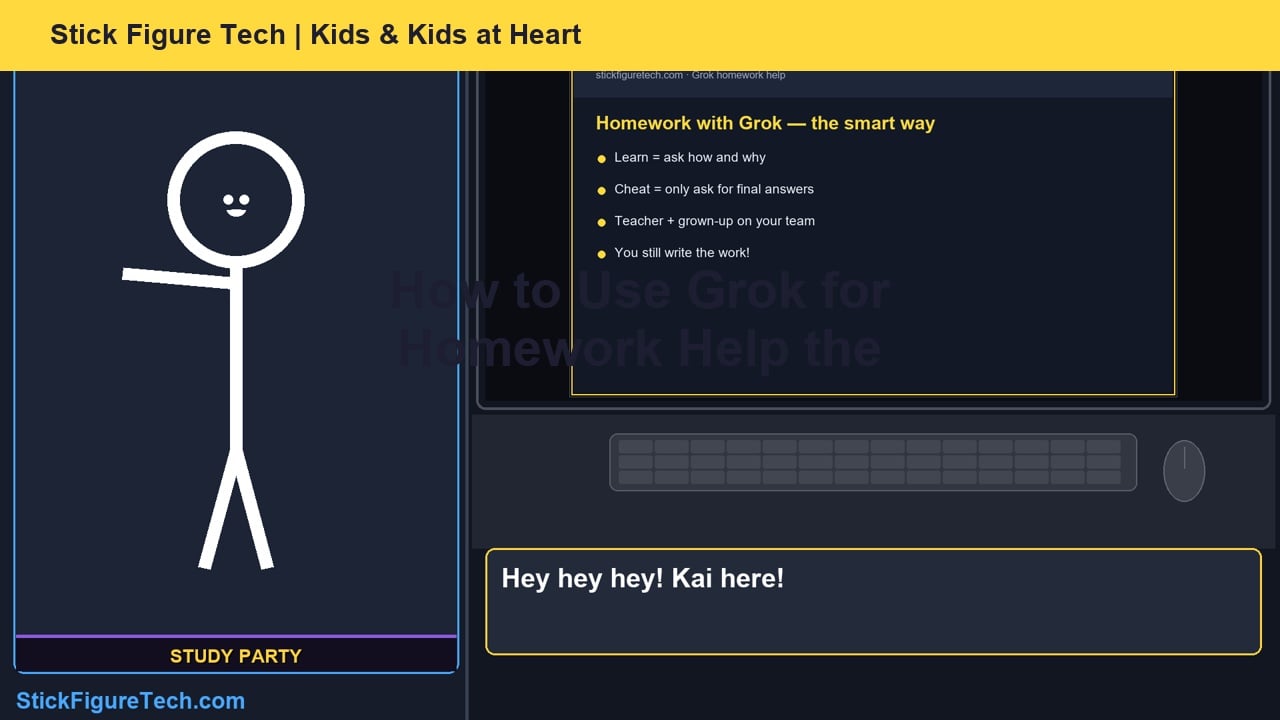
Episode 8 — How to Use Grok for Homework Help the Right Way

  • Explanations, not copied answers
  • Ask Grok to explain step by step
  • Check with your teacher and a grown-up
Episode 9 thumbnail
Live

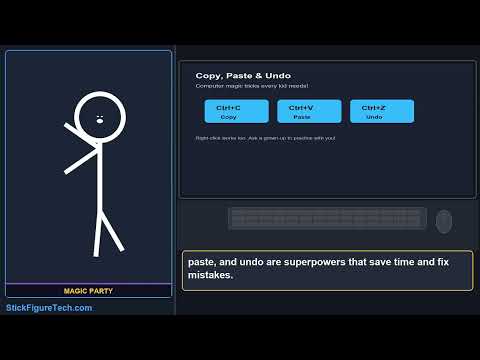
Episode 9 — Copy, Paste & Undo

  • Select text, then Ctrl+C to copy
  • Ctrl+V to paste, or use right-click
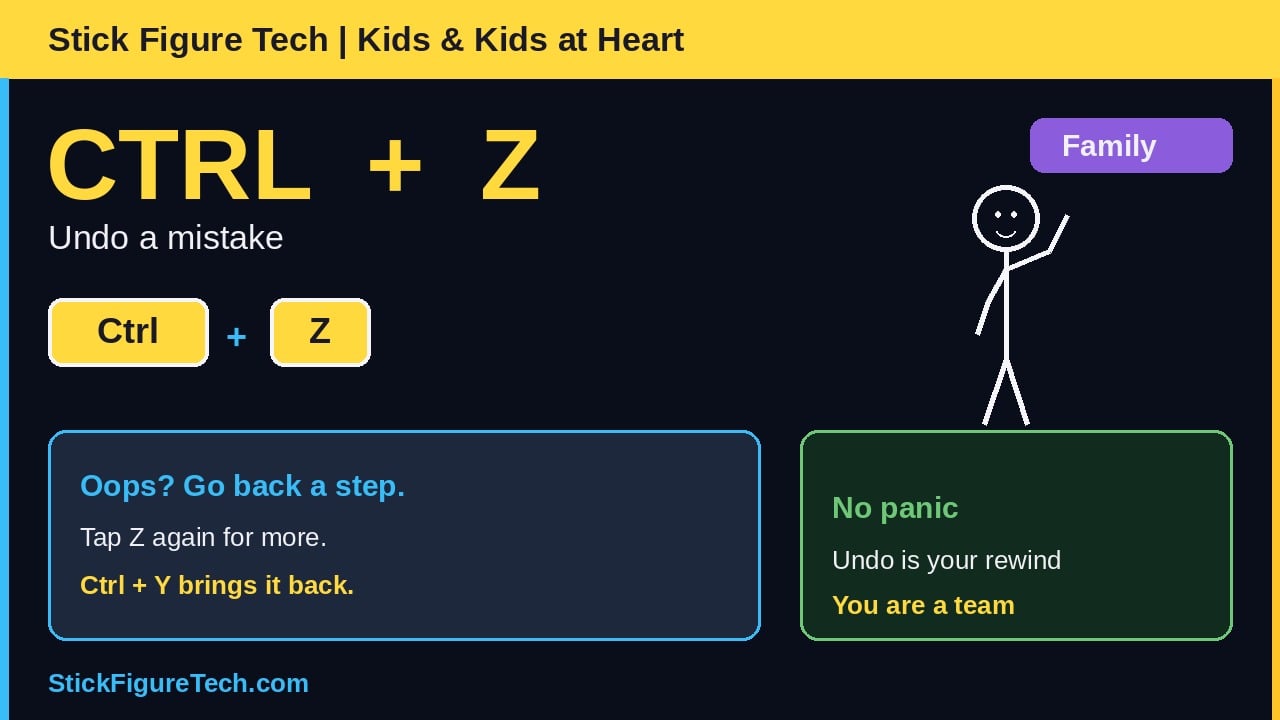
  • Ctrl+Z undoes an oops
Episode 10 thumbnail
Live

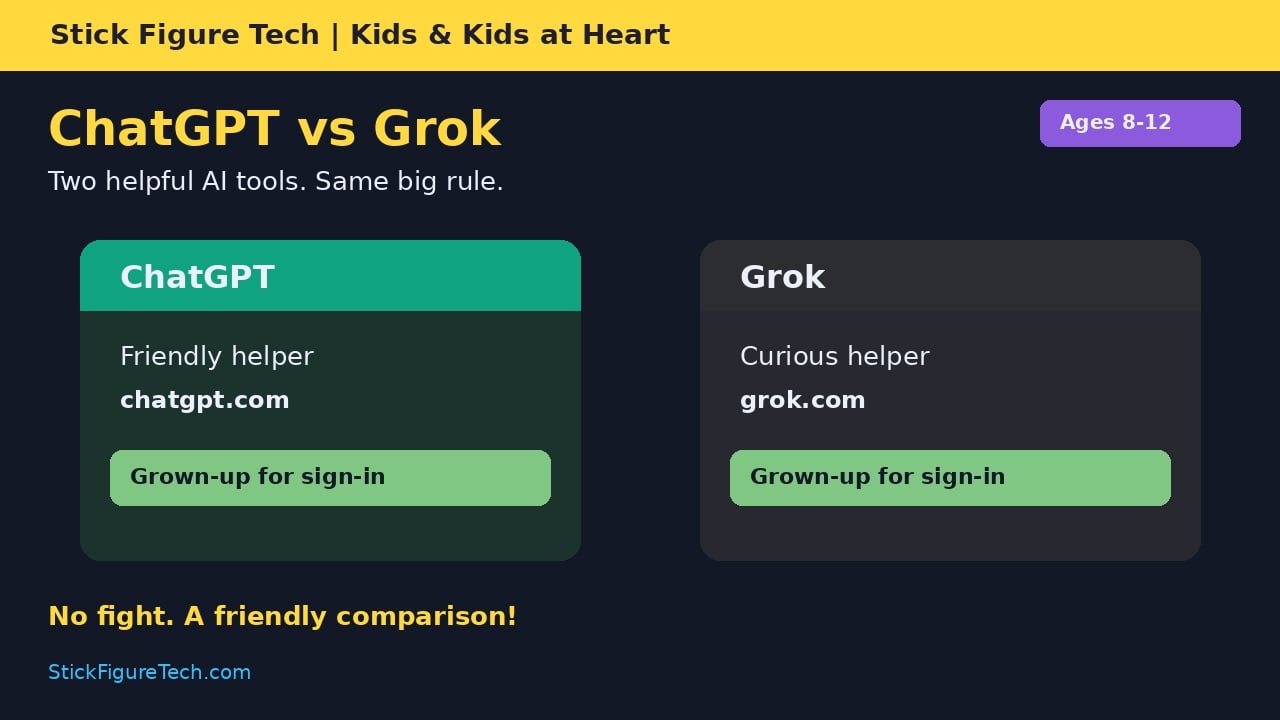
Episode 10 — ChatGPT vs Grok for Kids

  • What ChatGPT is and what Grok is
  • Same safety rules for both
  • Grown-up for any account
Episode 11 thumbnail
Live

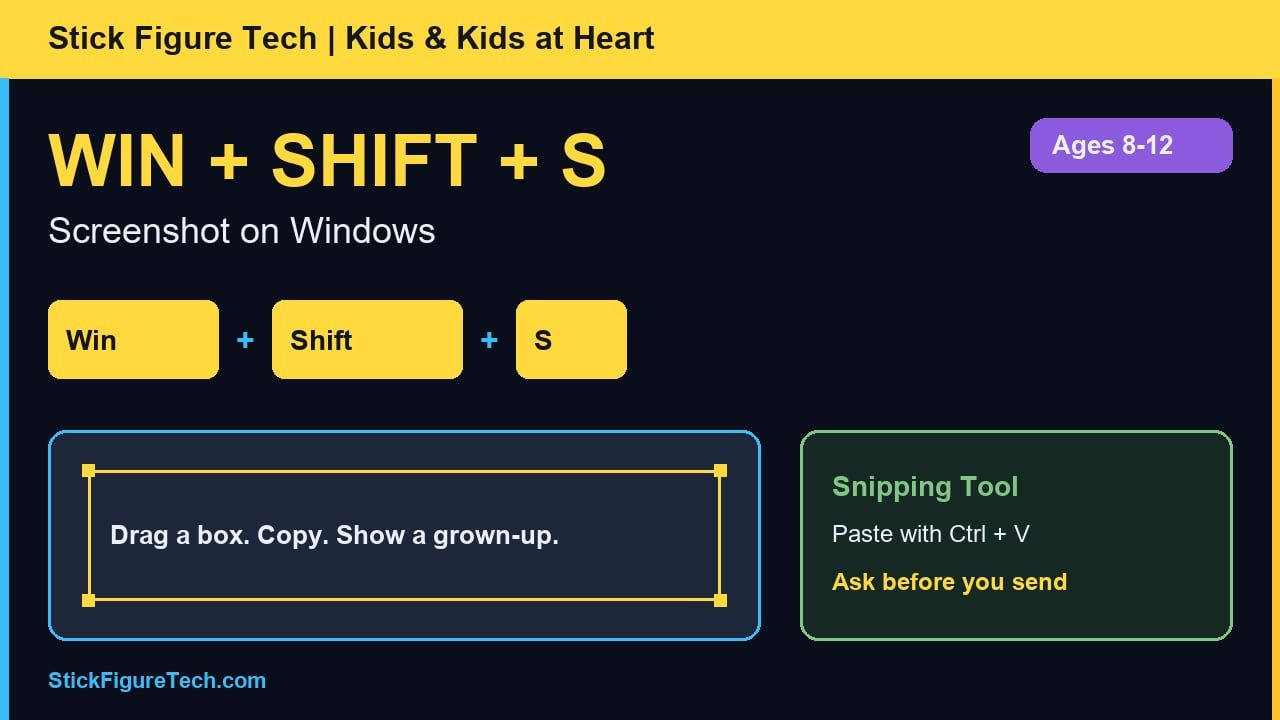
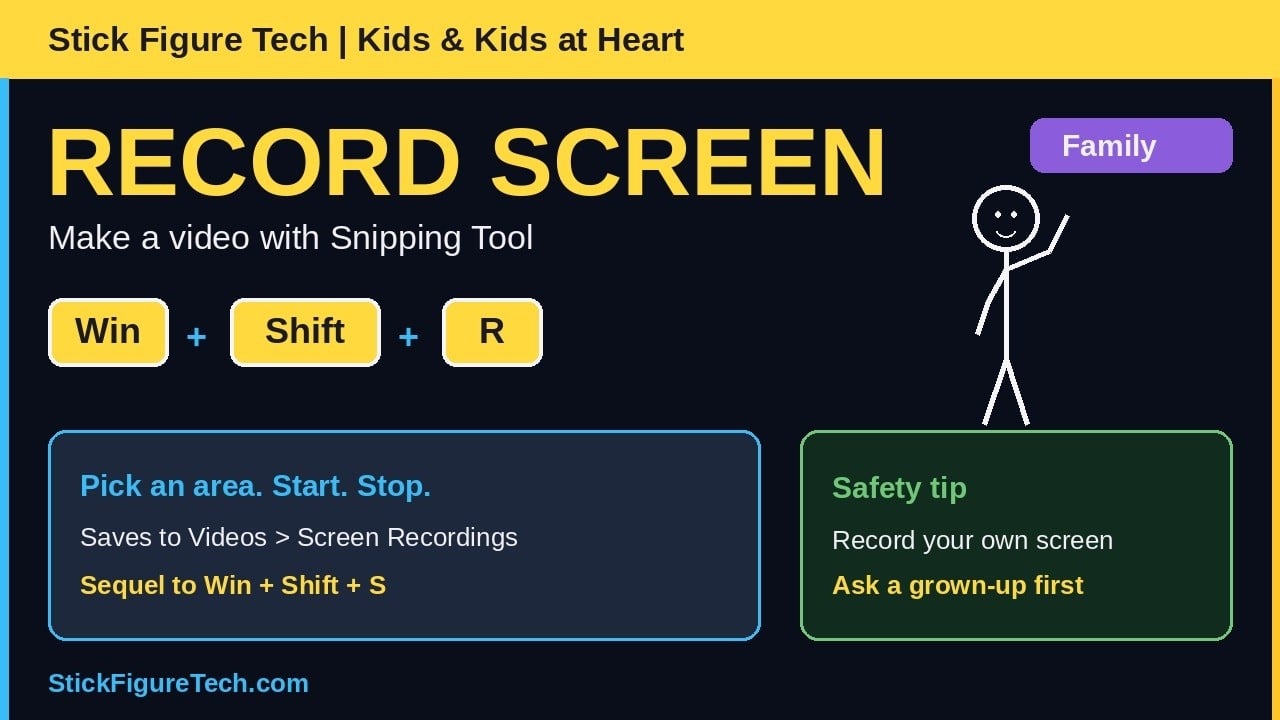
Episode 11 — How to Take a Screenshot

  • Windows + Shift + S
  • Rectangle snip in Snipping Tool
  • Ask a grown-up before you send it
Episode 12 thumbnail
Live

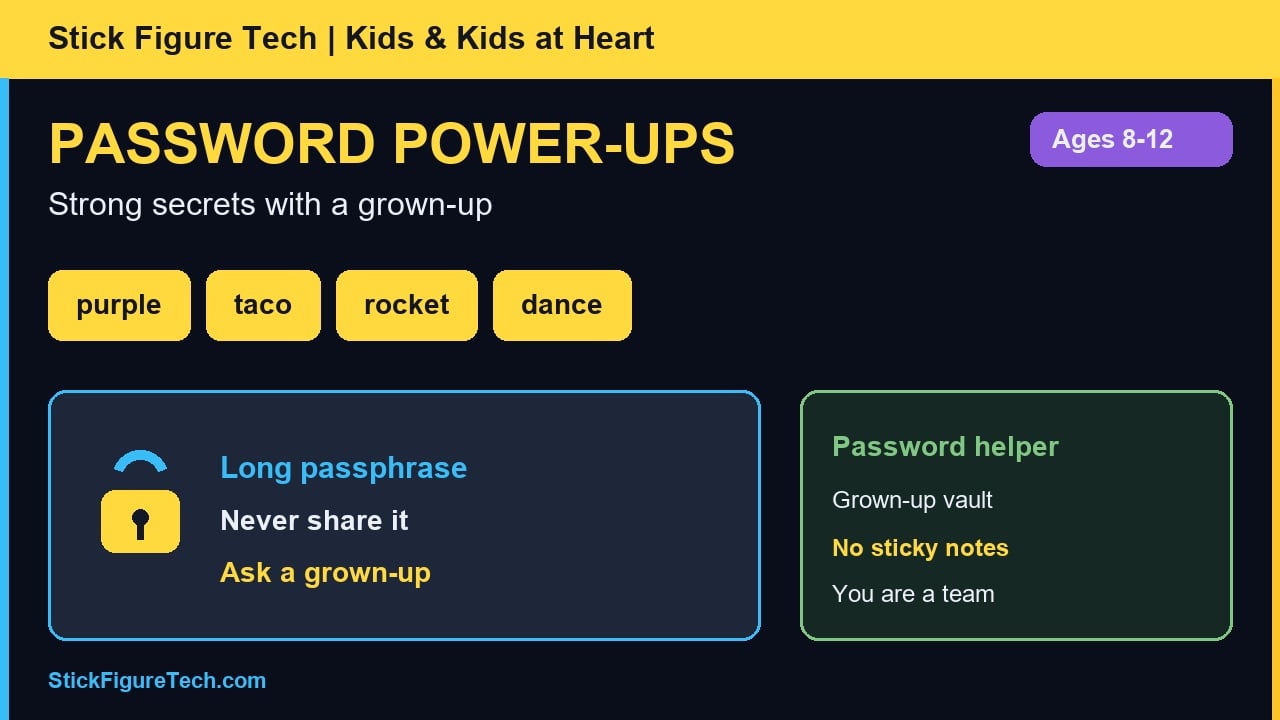
Episode 12 — Password Power-Ups (With Your Grown-Up)

  • Long silly passphrase with a grown-up
  • Never share it in chat or at recess
  • Grown-up sets up the password helper
Episode 13 thumbnail
Live

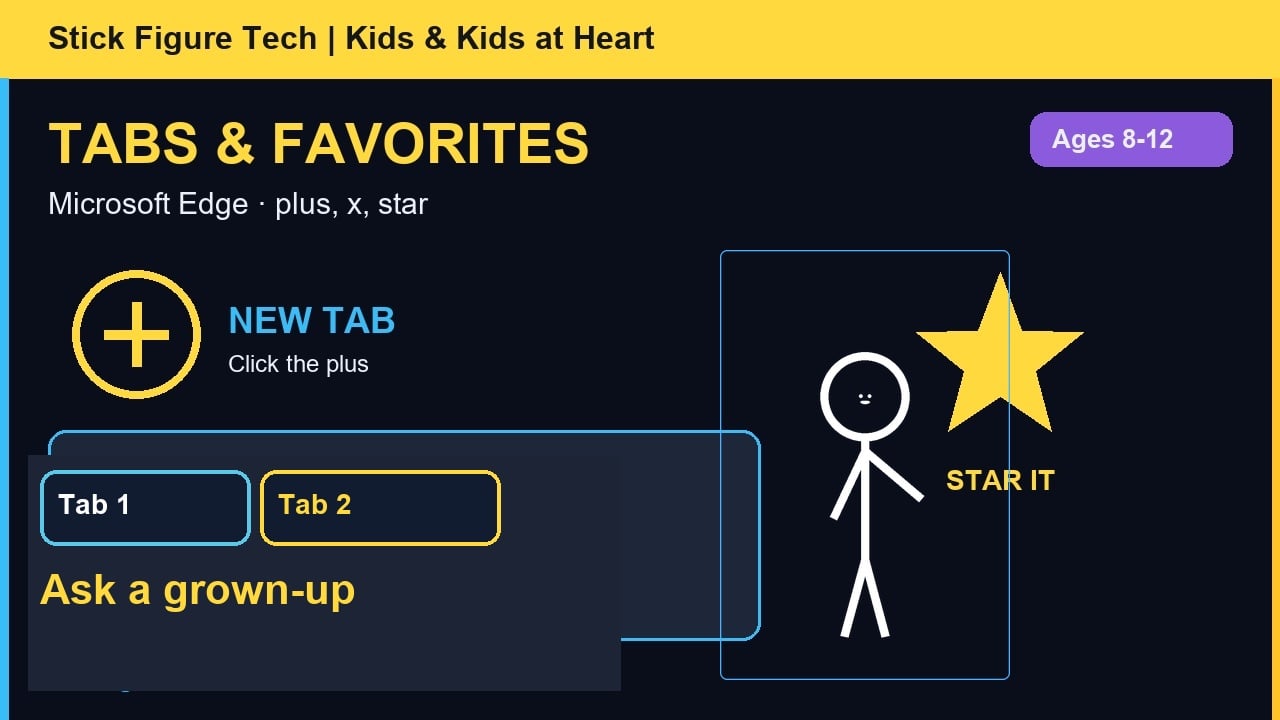
Episode 13 — Tabs & Favorites in Microsoft Edge

  • New tab with the plus
  • Star a homework page with a grown-up
  • Open Favorites later

Coming next

Still in the Kai curriculum — subscribe so you do not miss them.

14+

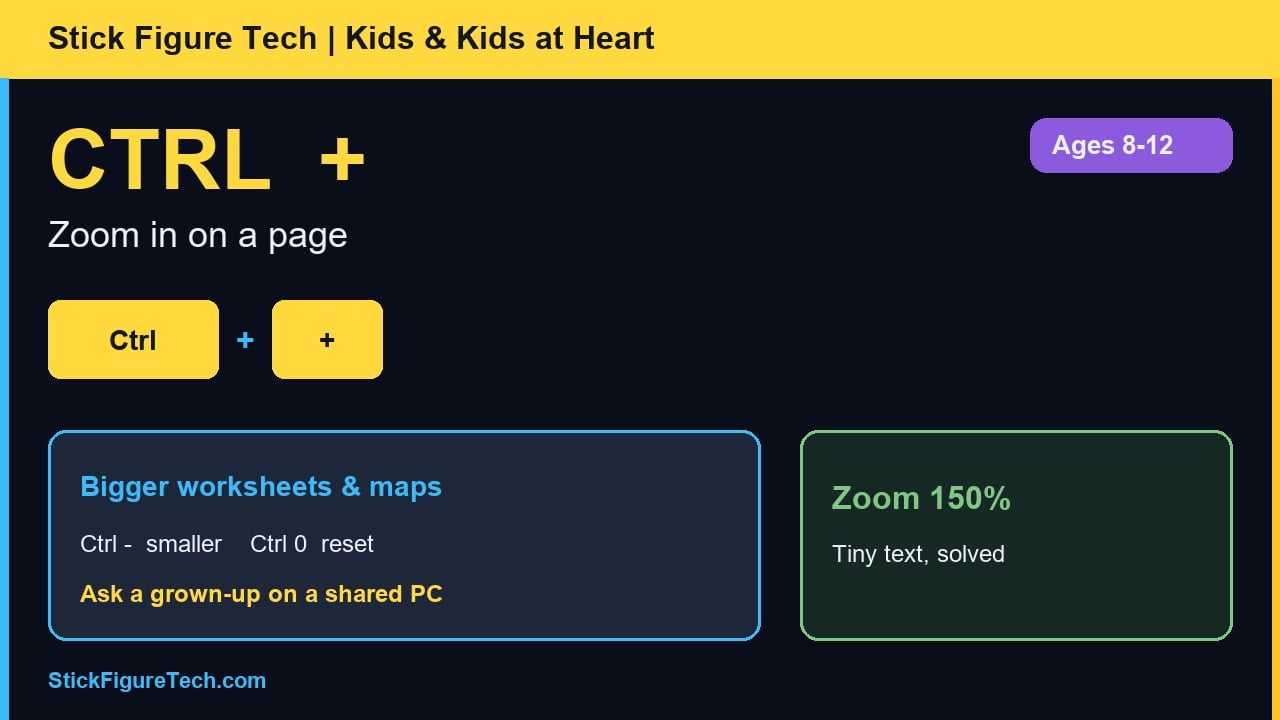
Zoom in & more

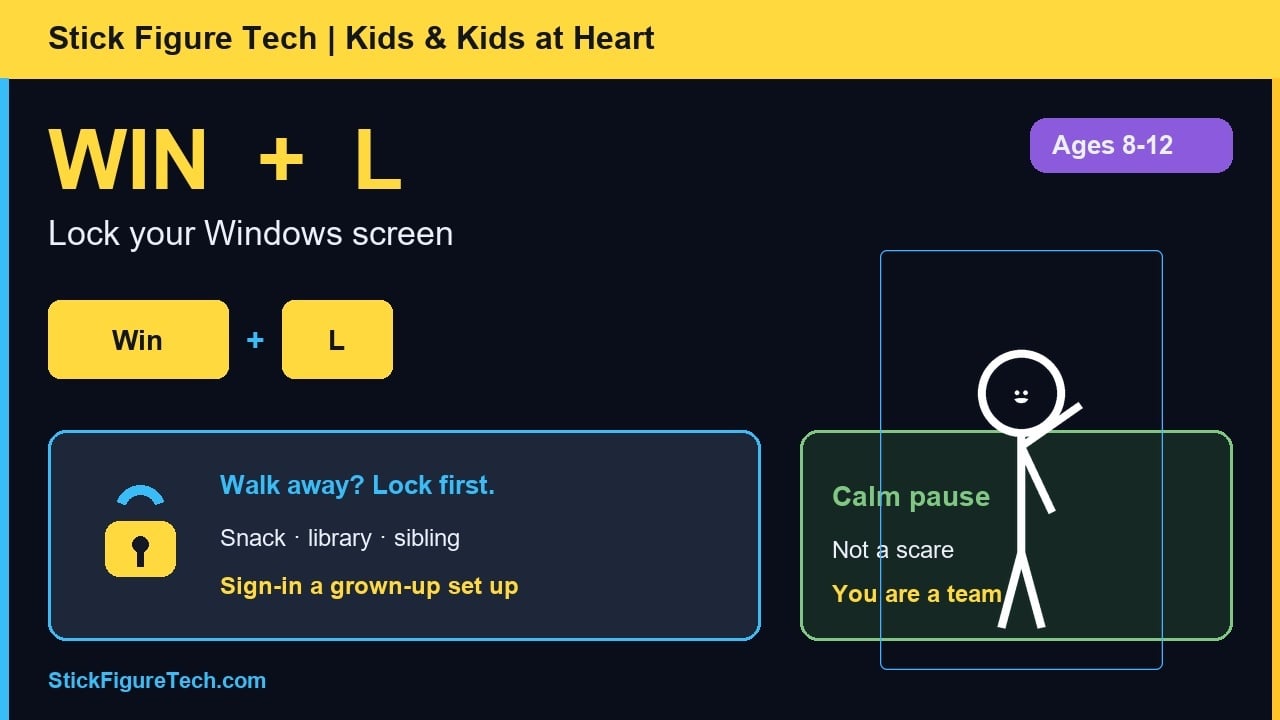
Ctrl and +, lock screen, and beyond.

For parents & teachers

Safety first: Episodes remind kids to grab a parent, teacher, or grown-up before signing up online. Grok sign-in should always be supervised. Official site: grok.com.

Contact Stick Figure Tech

Questions or feedback? Email stickfiguretech@gmail.com.

Ready to learn with Kai?

Short lessons, silly dances, zero lecture vibes. Subscribe on YouTube and grab the monthly newsletter.